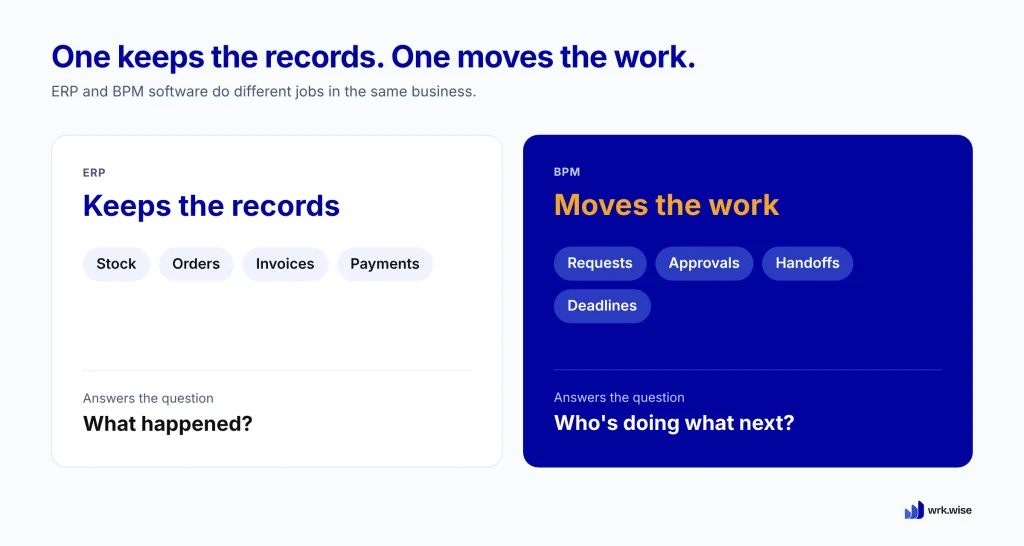
Most businesses buy an ERP expecting it to run the business. What it actually runs is the records: stock, orders, invoices and payments, all in one place, with numbers that add up.
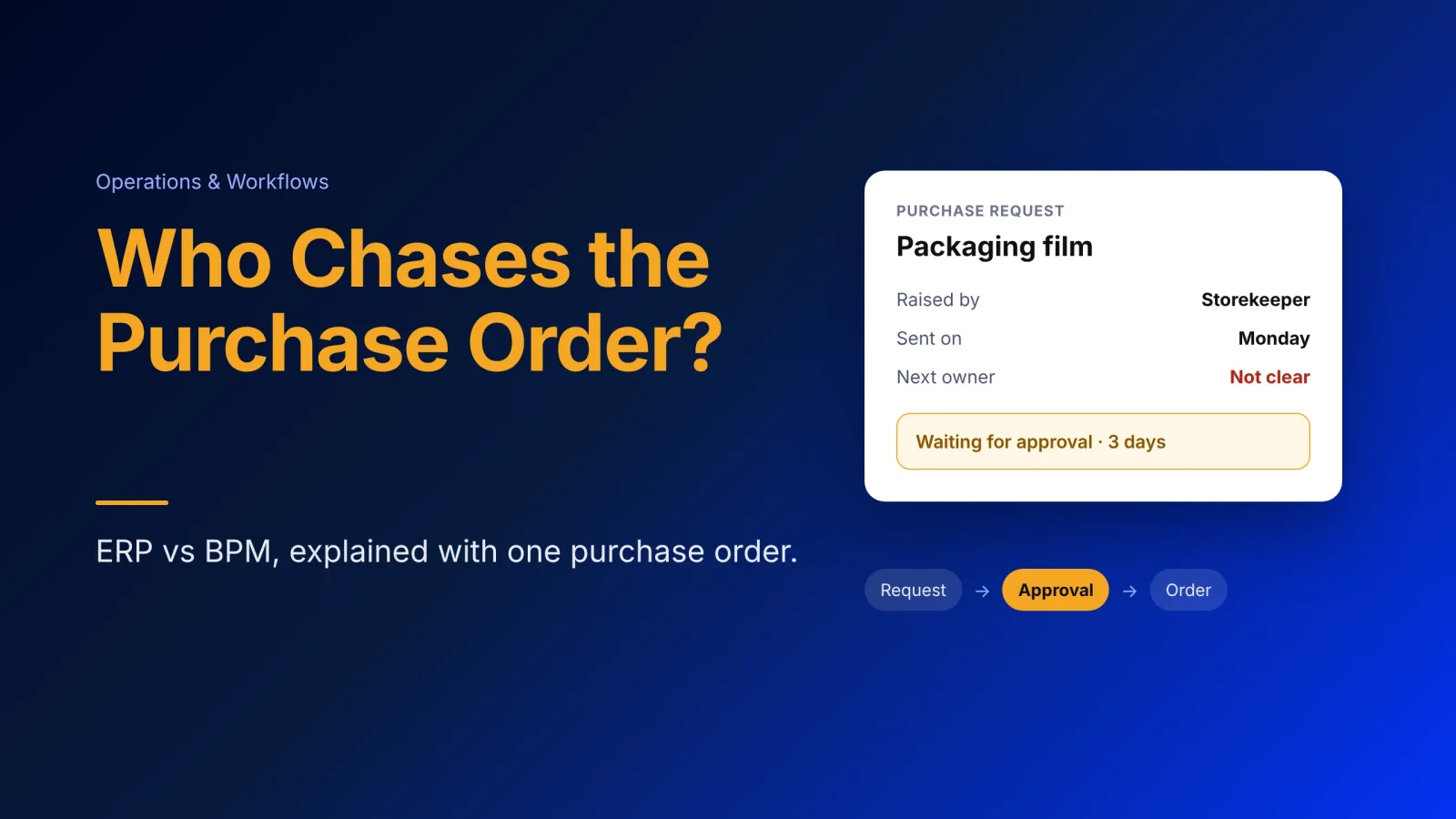
The work between those records is a different matter. Someone has to ask for more stock, someone has to approve the request, and someone has to place the order. In many growing businesses, that work still moves through WhatsApp messages and memory, where the ERP can’t see it.
That gap is the real difference between an ERP and BPM software, and it explains why so many businesses end up needing both.
An ERP records business transactions, such as orders, stock and invoices. BPM software runs the steps and people around those transactions. It tracks who raises a request, who approves it, who acts next and by when. Most growing businesses need both, because each one does a job the other can’t.
What Is an ERP?
ERP stands for enterprise resource planning. An ERP is the system that keeps your business records: stock levels, purchase orders, sales invoices, payments and accounts. Its strength is accuracy. Once a transaction is entered, the ERP keeps the numbers consistent across every department that uses them. Many smaller businesses in South Asia call their accounting and inventory software their ERP, and for this comparison, that works too.
What Is BPM?
BPM stands for business process management. BPM software moves work from step to step and from person to person. It knows who should act next, what they need to see and when the step is due, and when one step is done, it hands the work to the next owner. You’ll also hear it called workflow software or a workflow management system. Larger companies and IT teams tend to say BPM, while smaller businesses usually say workflow software, but both names describe the same kind of tool.
Follow One Purchase Order From Request to Payment
A purchase order is the official document a business sends to a supplier to buy goods. The easiest way to see the difference between ERP and BPM is to follow one purchase order from start to finish and note which system does what at each stage.
| Stage | What happens | ERP’s job | BPM’s job |
| Request | The storekeeper spots low stock | Shows the stock level | Routes the request to the approver |
| Approval | The Plant Head reviews the quote | Nothing yet | Sends it, tracks the deadline, records the decision |
| Purchase order | The purchase officer places the order | Creates and records the order | Hands the task to the purchase officer |
| Receiving | Goods arrive and get checked | Records the goods received | Assigns the quality check |
| Payment | The supplier’s invoice gets paid | Records the invoice and payment | Routes the payment approval to finance |
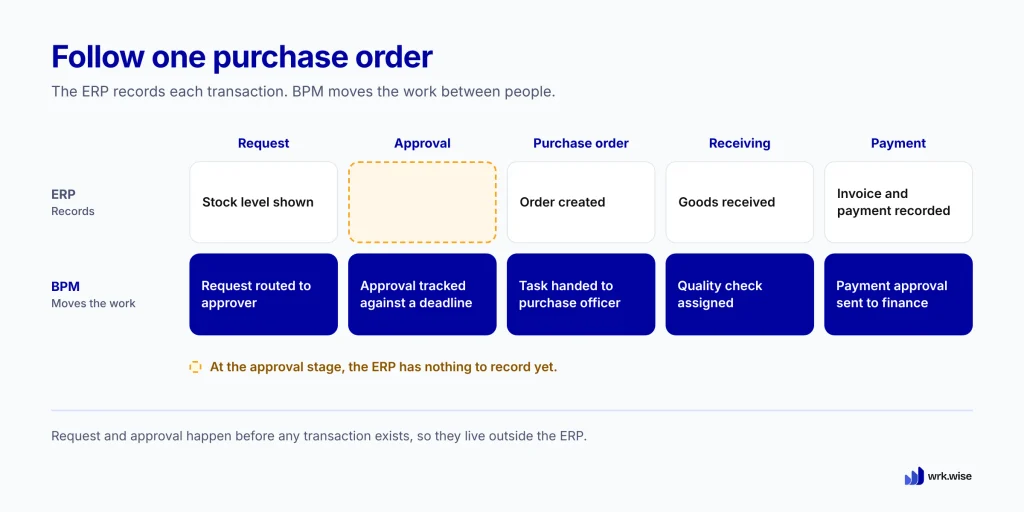
Look at where the ERP’s column goes quiet. At the request and approval stages, the ERP has nothing to record, because no transaction exists yet.
In most businesses without a BPM tool, WhatsApp messages, phone calls and memory fill these gaps. That works while the team is small and everyone sits in the same room. As the business grows, the messages pile up, approvers travel more, and nobody can say which request is waiting on whom.
ERP vs BPM: Key Differences
Side by side, the two tools answer different questions.
| ERP | BPM | |
| Main job | Keeps accurate business records | Moves work between people |
| What it tracks | Transactions: orders, stock, invoices, payments | Steps: who does what, and by when |
| Question it answers | What happened? | Who’s doing what next? |
| Who uses it daily | Accounts, stores and purchase teams | Anyone who raises, approves or completes work |
| How it changes | Changes often need setup work from IT or a consultant | The team that owns a process can usually change its steps |
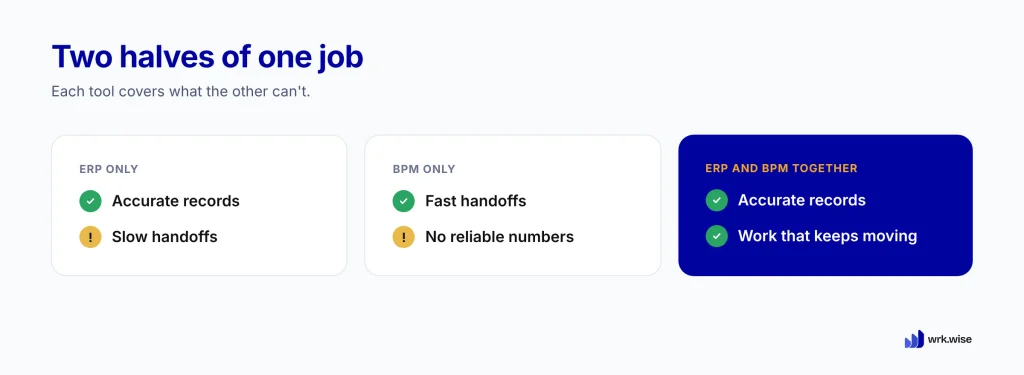
An ERP on its own gives you accurate records and slow handoffs. BPM on its own moves work quickly but has no reliable numbers behind it. Together, they cover both halves of the job.
Do You Need Both?
Not every business needs both on day one. With a small team, few approvals and one person who sees everything, your ERP and a quick conversation may be enough.
The signs that you need BPM as well are easy to spot:
- Requests get lost in WhatsApp groups.
- Approvals wait because the approver is traveling or in meetings.
- Nobody can tell you who has a task right now.
- Problems surface only when a customer or supplier calls.
When these signs show up, adding workflow software beside your ERP closes the gap without touching your records.
Where wrk.wise Fits
wrk.wise is SOP and workflow software, the kind of tool larger companies call BPM. In the purchase order story, it runs the stages your ERP can’t see.
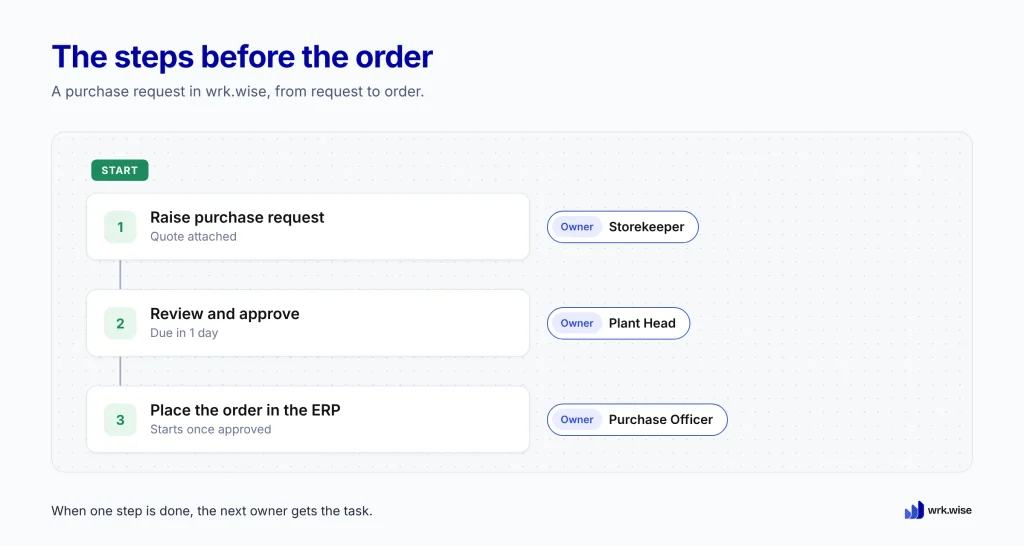
The storekeeper raises the purchase request in wrk.wise, with the quote attached. The Plant Head receives it as a task with a deadline, and reminders arrive before it’s due. Once the Plant Head approves, the task moves automatically to the purchase officer, who creates the order in your ERP. If a request waits too long, line managers can spot it on the Task Watchlist before the packing line runs out.
Your stock, orders and invoices stay in your ERP, and wrk.wise runs the people and steps around them. You can see how this works on a factory floor on our page about SOP software for manufacturing.
Book a 20-minute walkthrough to see your own purchase process run from request to payment.
Frequently Asked Questions
Do I need BPM software if I already have an ERP?
You do once work starts stalling between people. An ERP records transactions, but it usually doesn’t run the requests, approvals and handoffs around them. If those steps happen over WhatsApp and phone calls, BPM or workflow software gives each step an owner and a deadline.
Can BPM software replace an ERP?
No. BPM software moves work between people, but it doesn’t keep your accounts, stock levels or invoices. Most businesses use the two side by side: the ERP for accurate records, and BPM for the steps that lead to and follow each transaction.
Is workflow software the same as BPM?
Mostly, yes. Both move work through set steps with owners and deadlines. BPM is the term larger companies and IT teams use, often for bigger software suites. Workflow software is the everyday name smaller businesses use for the same kind of tool.