
Everyone thought someone else had it.
A shipment changes hands at every hub, truck and doorstep. Each handover runs on a phone call or a chat message.
Every stop is a handover. Every handover is a chance to drop it.
Build it once and run it every shipment.
Turn each process into a small SOP. Once someone starts it, wrk.wise creates the tasks, assigns them and moves the work from step to step. Here’s what that looks like for one shipment.
Pickup
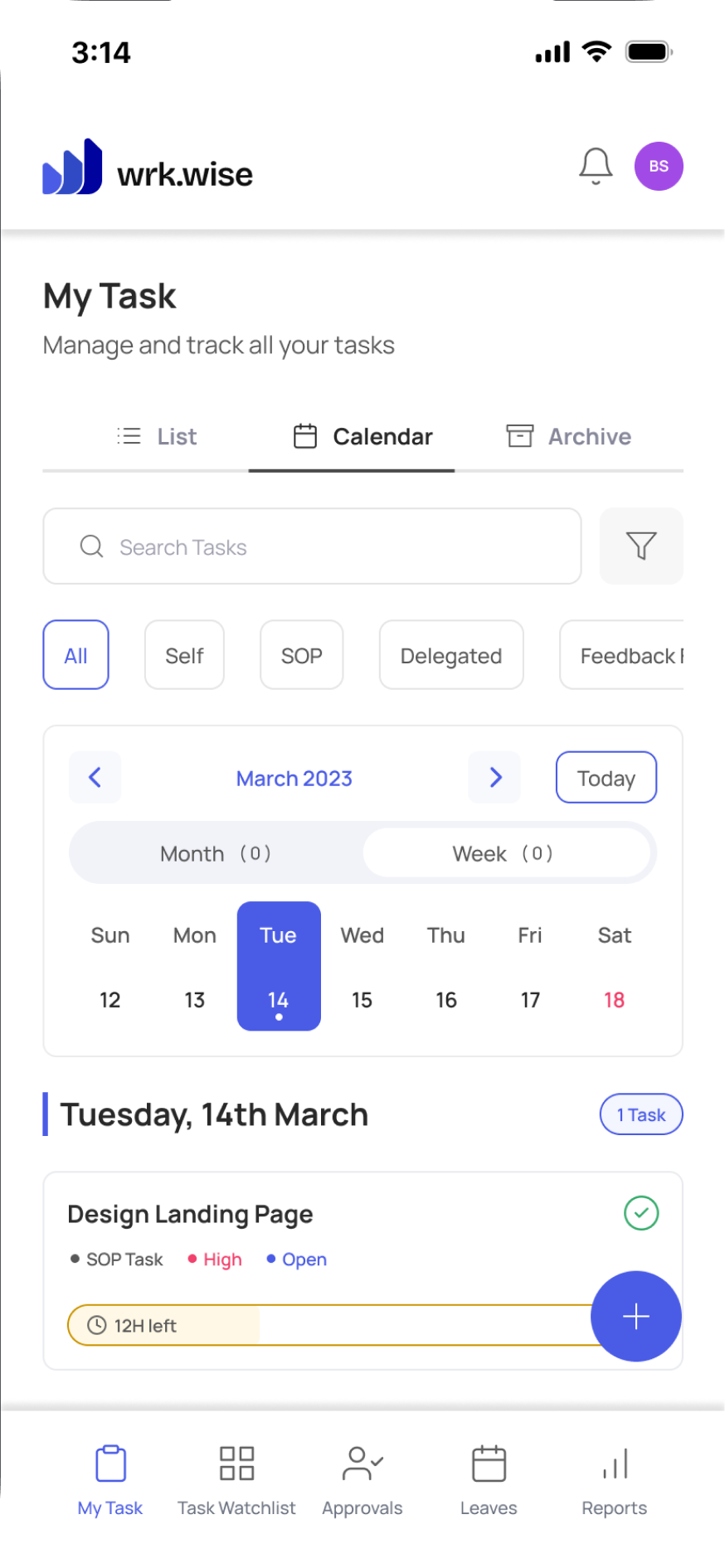
The pickup agent confirms the pickup in the mobile app, with photos of the packages. The origin hub gets its task straight away.
Mobile appOrigin hub
New shipments are shared out by round robin, so one person does not sort the whole truck alone.
Round robinOn the road
The driver asks for a fuel advance in the app, with the reason. The branch manager approves it from their phone, and the driver gets the go-ahead in the app.
Approvals with detailsDestination hub
The truck arrives late. The branch manager spots it on the Watchlist. A new delivery deadline needs a reason and an approval.
WatchlistDoorstep
Nobody is home. The driver logs a failed attempt, and the task goes back to dispatch to reschedule the delivery.
If/Else routingOffice
The driver uploads the proof of delivery. Billing gets its task right away.
Handoff with recordsWatch a damaged shipment go from the driver’s phone to resolution
Logged on the road. Resolved at the office.
Questions logistics companies ask about workflow software
What is workflow software for logistics companies?
It turns the steps behind every shipment into tasks with an owner and a deadline. In wrk.wise, when one person finishes a step, like a pickup or a hub check, the next person gets their task.
Can drivers and delivery agents use it on their phones?
Yes. wrk.wise has a mobile app. Drivers and delivery agents can complete tasks, upload photos and proof of delivery, and request approvals from the road.
Does wrk.wise track vehicles or replace our TMS?
No. Your TMS and tracking tools show where the truck is. wrk.wise shows who owns each step and what’s running late. The two work side by side.
How is this different from running operations on WhatsApp groups?
A WhatsApp group shows that someone sent a message. It can’t show who owns the next step, or notice when that step is late. wrk.wise does both, and every handover stays on record.
Can we start with one branch or one route?
Yes. Start with the process that causes the most calls today, such as failed deliveries or proof of delivery. Add more branches once it runs smoothly.
Every shipment already has a route. Now give every handover an owner.
Start with the handover that causes the most calls, and turn follow-up into ownership.
Keep reading
Why Fair-Looking Appraisals Still Feel Unfair
Your appraisal system can be completely fair and still make good people quit. It sounds like a contradiction. It isn’t. Fair Rules,…
Read the article Operations and WorkflowsSOPs in the Workplace: How to Turn Procedures Into Daily Execution
Ask someone to bake a cake without a recipe. They will make something. Maybe too much sugar. Maybe the wrong baking time.…
Read the article Operations and WorkflowsBusiness on Autopilot: How to Build a Business That Runs Without You
Most business owners want growth. Their daily routine tells a different story. They approve small decisions. They chase updates. They repeat the…
Read the article